

 Facebook
 Instagram
 LinkedIn
 Youtube
Multilogo – combine multiple logos in one print

Written by
Karin Goffe
Tips & Tricks
How does Multilogo work?
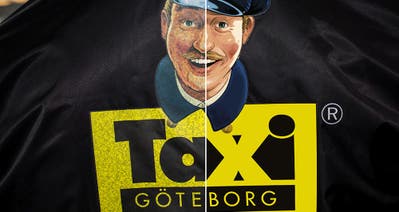
Multilogo lets you combine several different logos and designs into a single article. It is particularly useful for sports clubs and associations creating sponsor prints for team kits, training wear and other clubwear.
Combining the logos in one heat transfer makes both handling and application easier. A 30% surcharge applies to Multilogo.
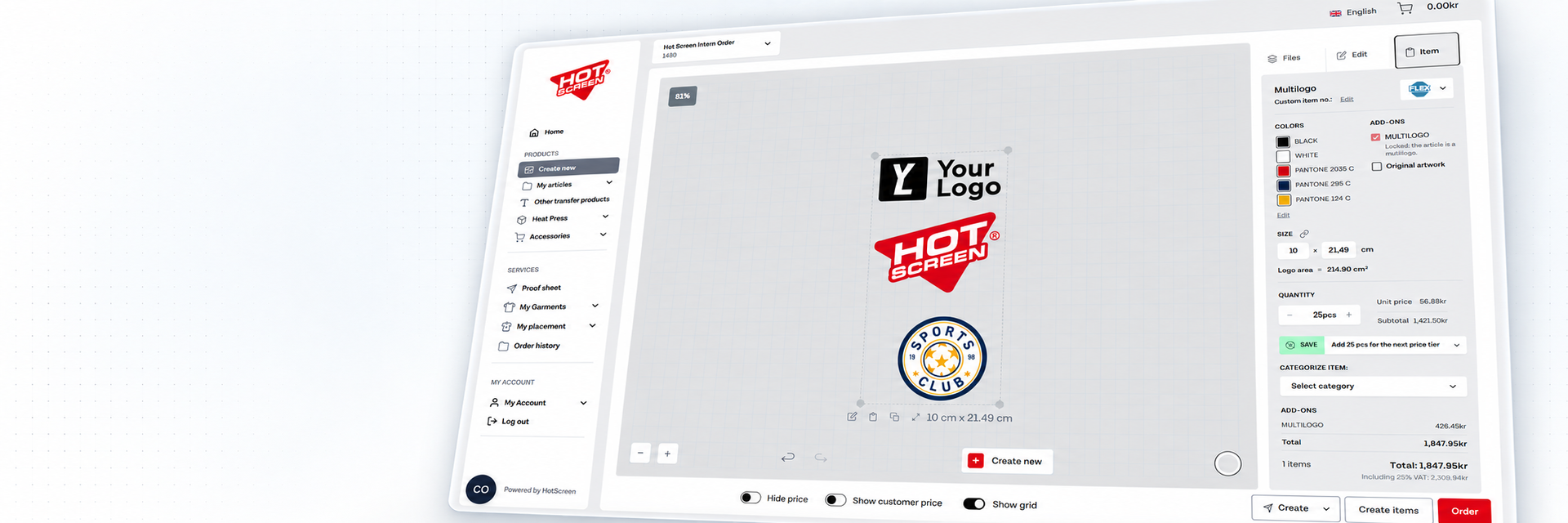
Hold down Shift and click the logos you want to combine. You can then align them to the left, right or centre, as well as along the top or bottom edge.
Important: A Multilogo may only contain different designs. The same design in different sizes or colours will be stopped before production.
You will find the feature under Edit → Multilogo in Logo Creator.
Helpful tips and features
-
Search your existing articles instead of uploading the same logo again.
-
Use Show grid for easier and more consistent positioning.
-
Adjust the size, colour, position and spacing of the logos before saving.
-
Once your Multilogo has been saved, the designs are locked together as a single object. You can then resize the entire object and place your order.
Create a Multilogo
– Watch the video below or follow these five steps.
1. Create new
Click Create new to add designs.
Choose whether to upload new designs or search for an existing article under Add a new variant from your items. Repeat until you have added all the logos.
2. Adjust your design
Adjust the size, colour and position of each logo.
3. Edit → Multilogo
Select the logos using the checkboxes. You can also hold down Shift and click the designs.
4. AlignUse Align to align the designs to the left, centre or right. You can also align them along the top, middle or bottom.
5. Save as multilogo
Click Save as multilogo and enter a name. The designs are saved as a single object that can be resized and ordered.