

 Facebook
 Instagram
 LinkedIn
 Youtube
Print guide
Search our items
41 items
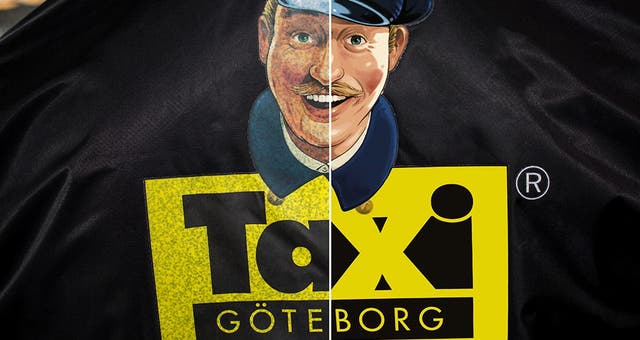
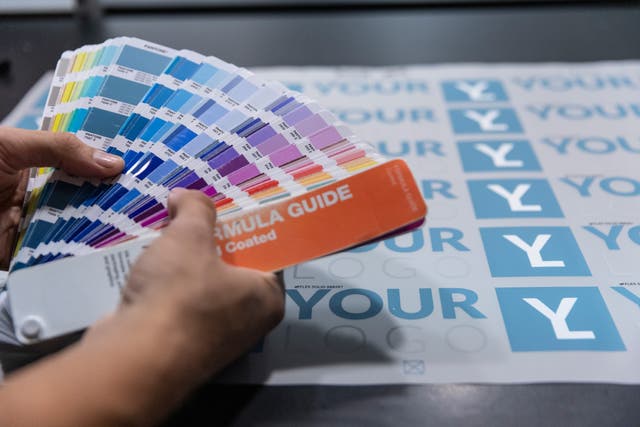
PMS Colors at Hot Screen
At Hot Screen, we work with Pantone C-, Metallics-, and Pastels & Neons C-scales.
Tips & Tricks
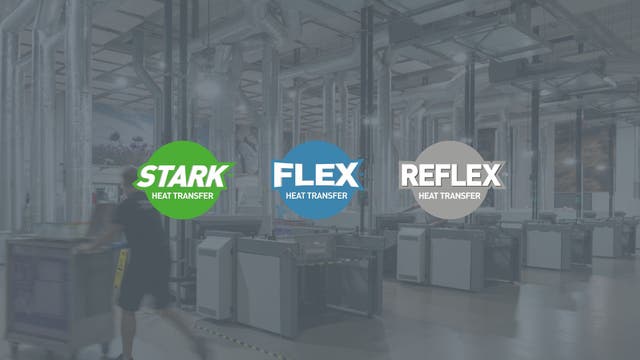
What do STARK, FLEX & REFLEX mean?
Let’s break down the unique features of each product!
Products
Garments
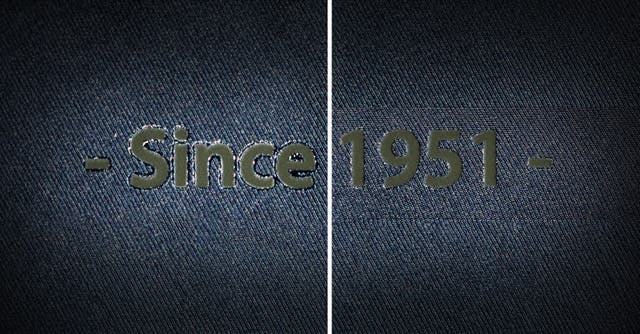
Minimising the adhesive edge around your transfer print!
How do I blot away an adhesive edge?
Tips & Tricks
Application
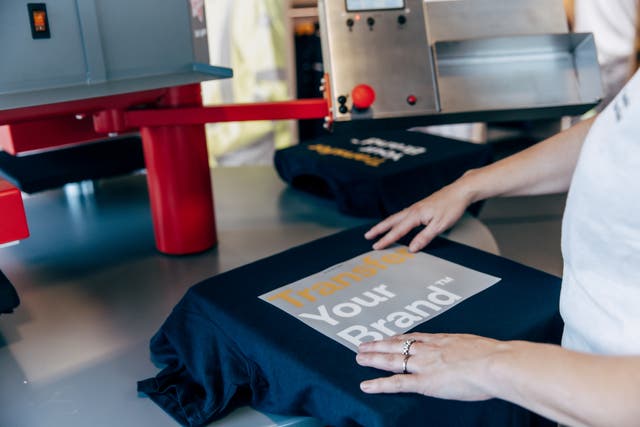
Removing prints from clothes – is it possible?
Different methods for removing prints from clothes
Tips & Tricks
Application

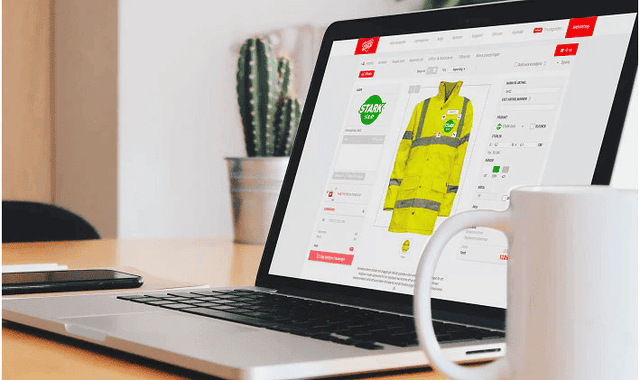
My Placements – Place your items on intended garments
In My Placements you can easily plan and save placements for heat transfers on your garments. With our placement tool, you create a clear and professional sketch that makes proofreading and the application of heat transfer easier.
Tips & Tricks
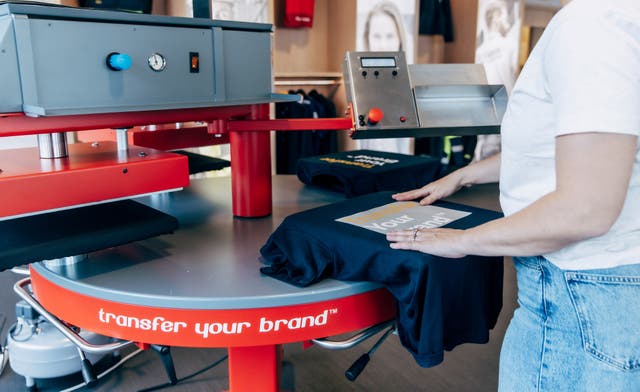
Application - Recommended workflow
General instructions for applying heat transfers
Application
Tips & Tricks
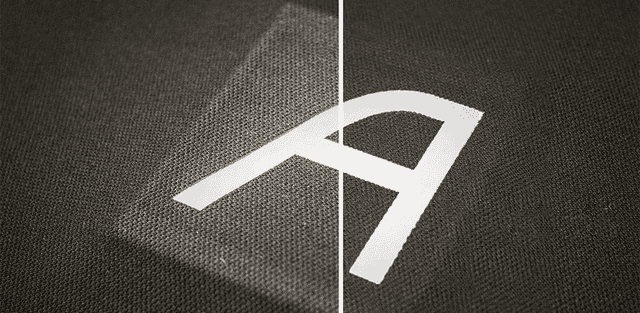
Minimise imprints from heating plates!
What does it mean when a heating plate leaves an imprint?
Application
Tips & Tricks
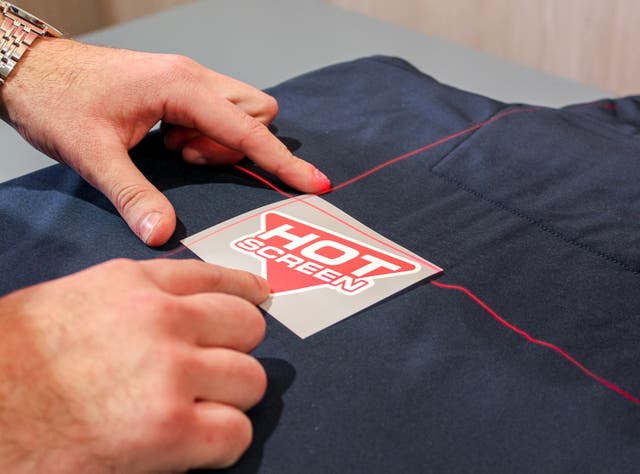
Application with Cross Laser
A cross laser used to always get the same placement of the transfer on the garment while applying.
Application
Products

Flame Protection and Heat Transfer | Hot Screen
What applies to heat transfer on flame-retardant garments?
Garments
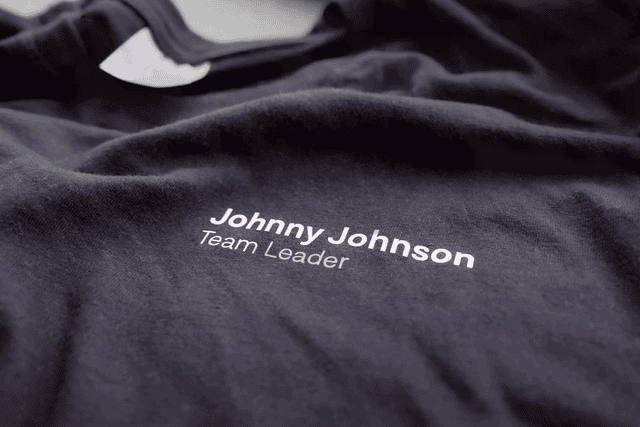
The right size for heat transfers - Complete guide
Everything you need to know about choosing the right sizes for your heat transfers!
Garments
Tips & Tricks
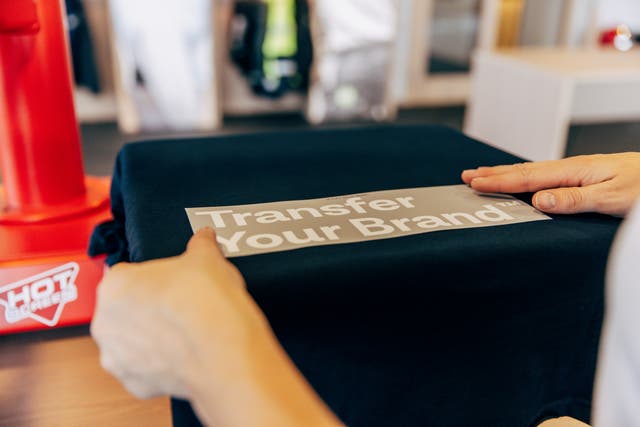
Advantages of heat transfers
We’ll tell you more about the benefits of branded garments.
Products
Garments
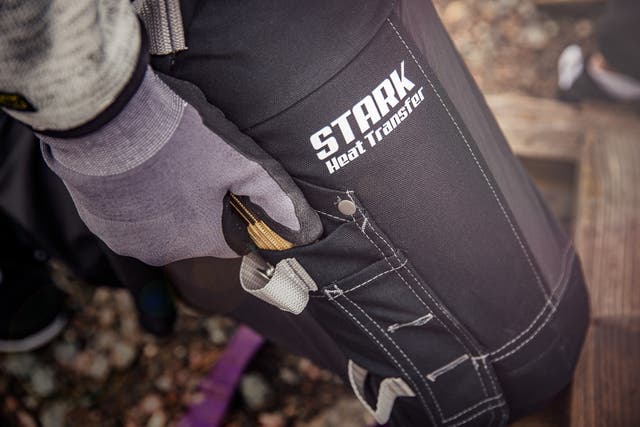
How to Print Near Seams – Complete Guide
Step-by-step guide for applying transfers on seams.
Application
Tips & Tricks
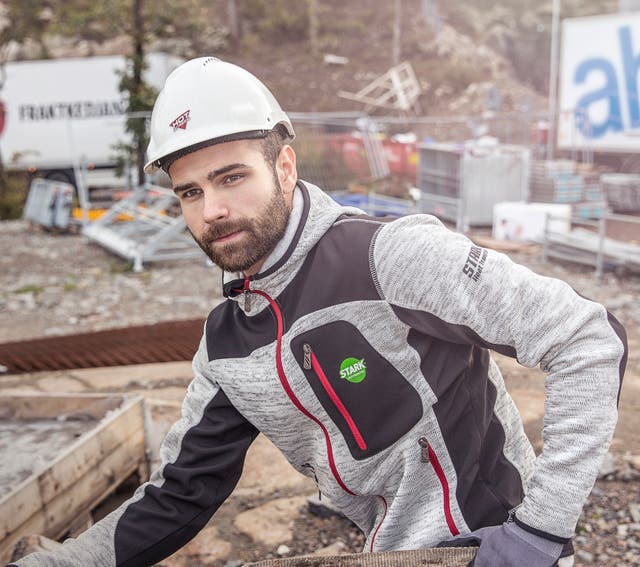
How to print near zips!
How to successfully print a logo close to a zipper. Follow our guide for a clean and durable result.
Garments
Application
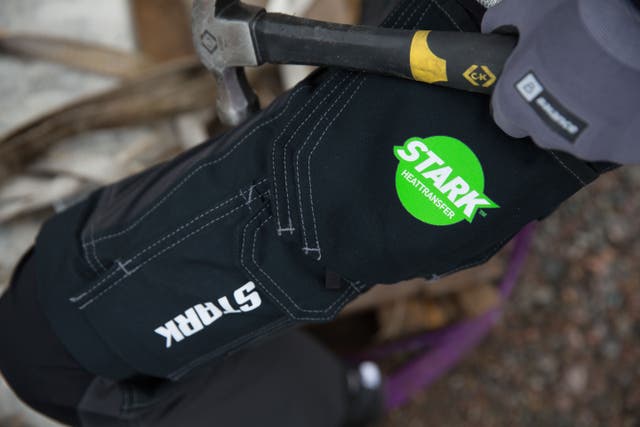
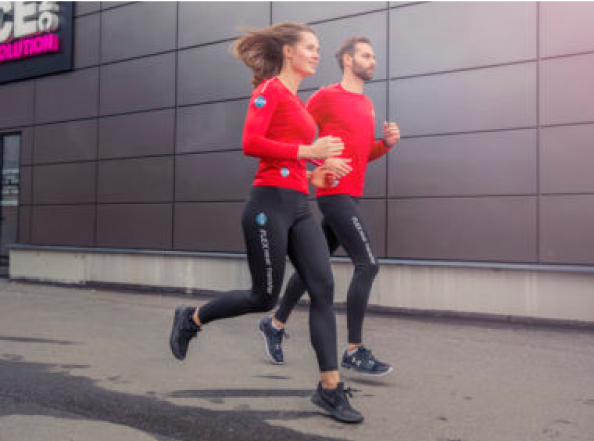



Screen Printing vs Transfer Printing
In this printing guide, we take a closer look at both techniques and compare them.
Printing methods
Products
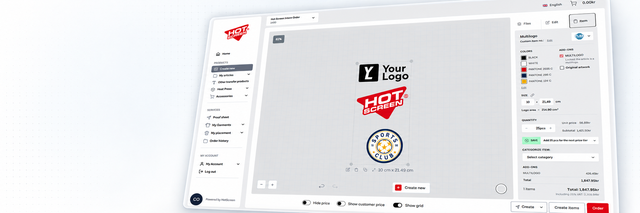
Multilogo – combine multiple logos in one print
Makes handling easier and heat application smoother.
Tips & Tricks